Inventory
Storage units
Keep CS2 inventories small: deposit, withdraw and rename storage units from the page or as fleet tasks.
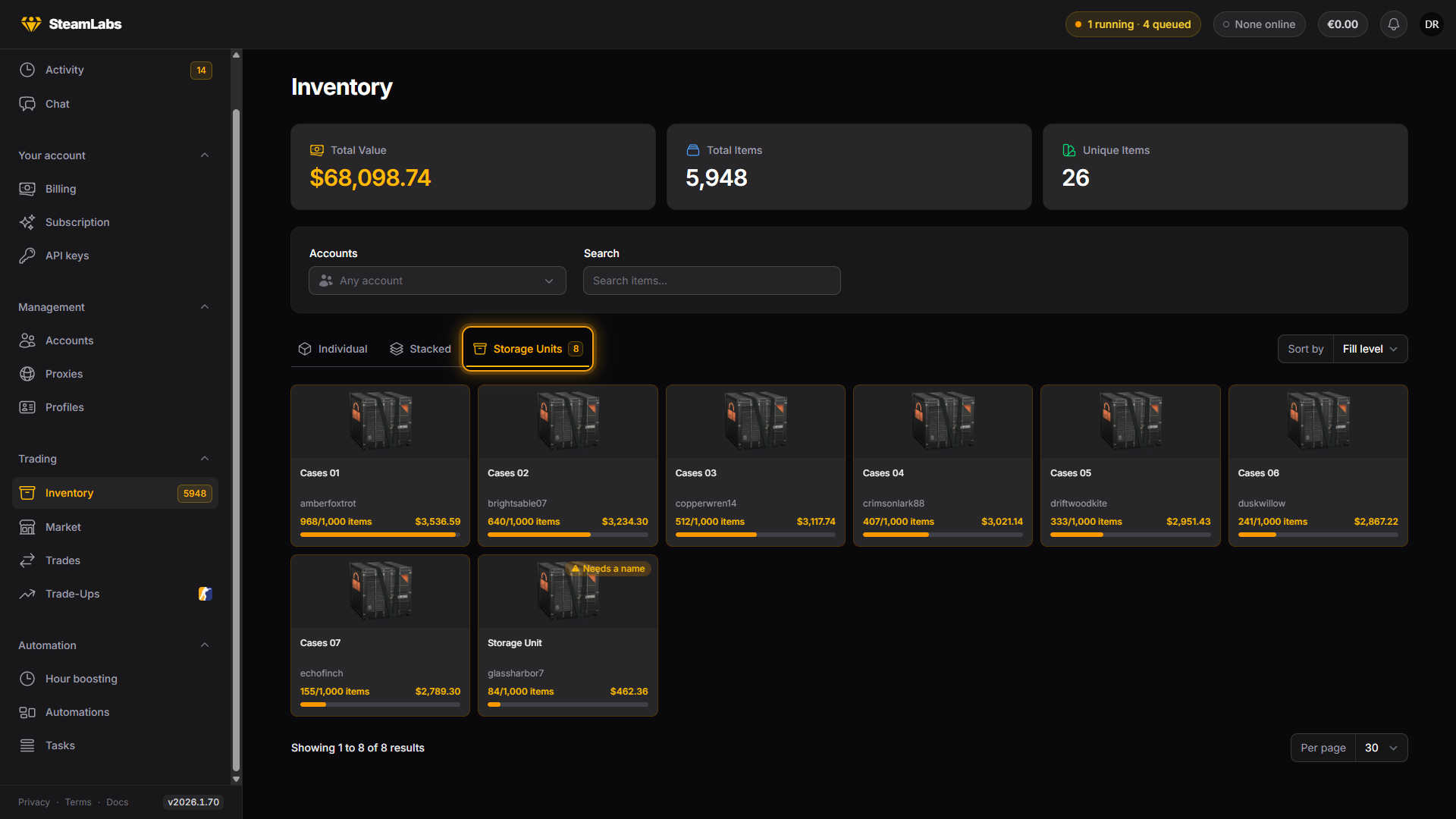
Storage units are CS2 only, and hold up to 1,000 items each. They appear after an inventory sync on an account that owns one, in the Storage Units view on Inventory.

What a unit shows
Each unit shows its name, its fill (940/1000), and the value of what we know is inside. Two counts can disagree here:
- The count the game reports for the unit
- The contents we have actually synced
They match after a Refresh contents on that unit. Until then a unit can say it holds items we cannot list yet, and the page says so.
Depositing
Select items in Stacked or Individual view, then press Store in the selection bar.
A unit only ever holds its own account's items, so the modal groups your selection per account and asks for one destination unit each. It defaults to the emptiest unit with room. Each account gets its own move task.
Things the modal will tell you before you submit:
- Accounts with no storage unit at all, whose items are skipped
- Non-CS2 items in the selection, which are dropped
- Items that did not fit in the room the unit had left
That last one is a clamp, not an error. Nothing is lost, the overflow simply stays in the inventory.
The modal is built for surgical moves. Very large selections are cut off, and the page points you at the task versions below.
Withdrawing
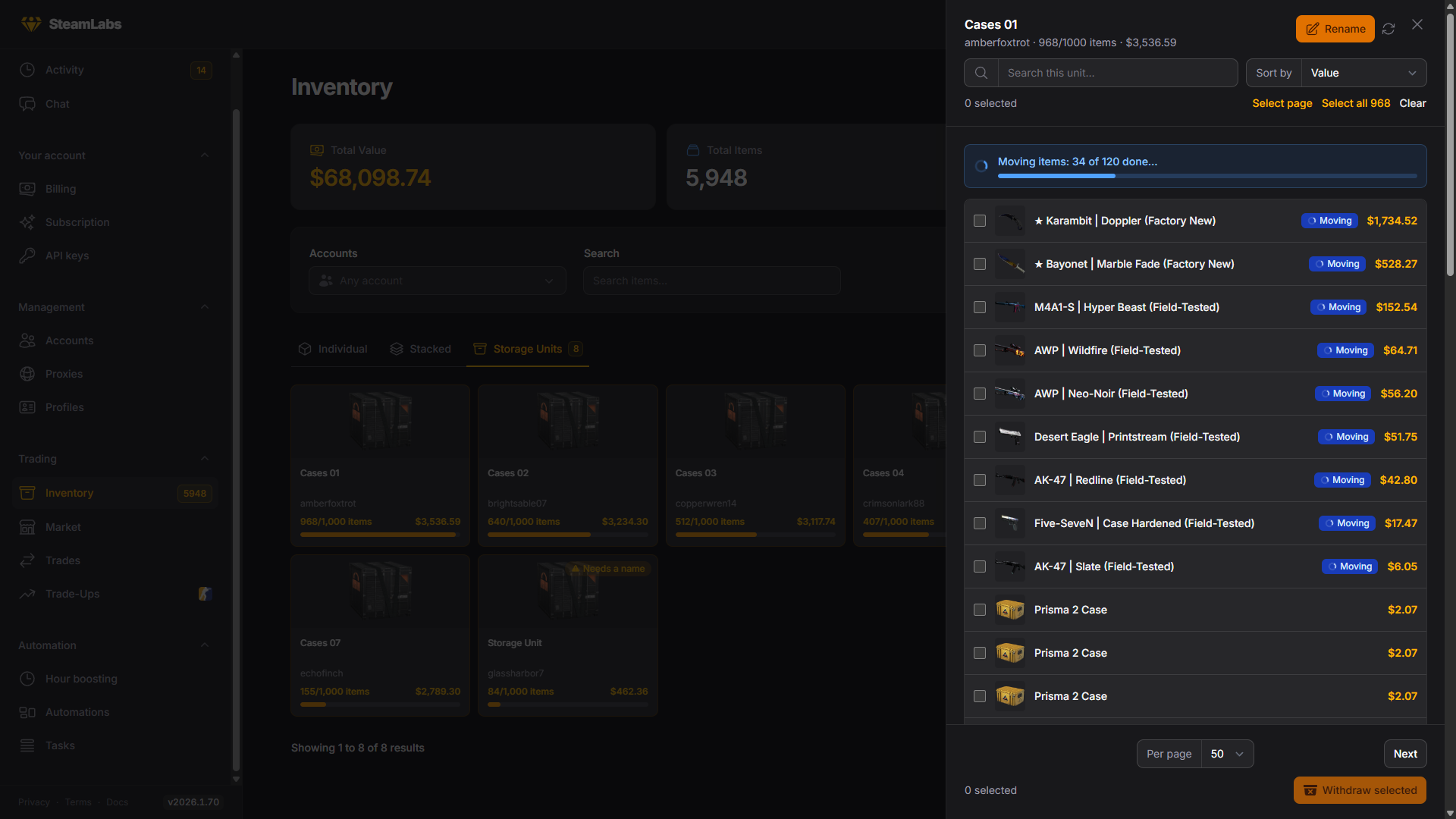
Open a unit with View contents, select what you want, then press Withdraw selected. Search inside the unit first if it is full.

While a move runs, the unit shows its progress and marks each item leaving, so you can keep the panel open and watch it empty.
Withdrawing is never plan-gated. Getting your own items back out of a container always works.
Renaming
Rename on a unit queues a rename task. Names are up to 20 characters, which is the game's own limit, and renaming is free.
Doing it across the fleet
For anything larger than a hand-picked selection, use Tasks → Create tasks. Pick your accounts there and let rules decide the items.
| Task | What it does |
|---|---|
| Store Storage Unit Items | Deposits matching items from each account's inventory |
| Withdraw Storage Unit Items | Moves matching items back out into the inventory |
| Rename Storage Units | Renames units across accounts |
All three pick their target units the same way: Automatic (emptiest first), All units, or Match by name for units whose custom name contains some text.
Item conditions decide what moves: price range, specific items, item type, origin. Leave them off to match everything. Max items per account caps a run, and the cheapest matching items always move first.
Storing has one extra choice. Everything matching deposits all of it, while Keep inventory at a size deposits the cheapest matching items until the account's CS2 inventory is down to the number you give. That second one is the useful one for a farm: point it at a number and run it on a schedule.